Installation
Note: Currently, CodeValid supports repositories hosted on GitHub only.
If you use a different Git source, please contact us for assistance.
1. Login to CodeValid
- New Users: When you log in for the first time, you will see an option on the Welcome page to create a new project.

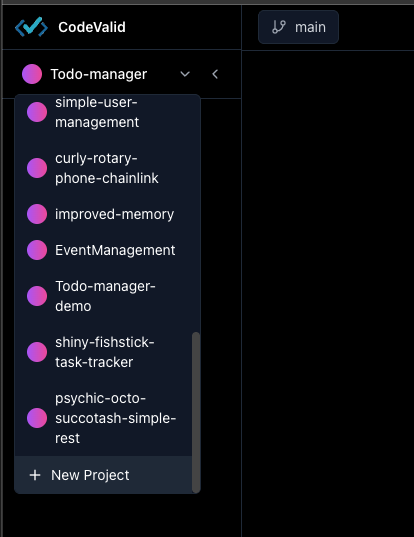
- Existing Users: Use the project dropdown in the header to select an existing project or create a new one.
2. Click on Install
Once your project is selected:
- Navigate to the Install section of the project dashboard.
- Click the Install button to connect your GitHub repository with CodeValid.
- Follow the prompts to authorize access to your repository and complete installation.
Next Steps
Now that you have everything set up, the next step is to connect your repository.