Connecting to Your Repository
1. Select Your Git Repository
- After logging in and creating/selecting your project, navigate to the Connect Repository section.
- You will see a list of your GitHub repositories.
- Choose the repository you want to connect for this project.
- Only one repository can be connected at a time.
Note: Currently, CodeValid doesn't supports selecting all repositories in your GitHub account, you will have to select the repository you want to connect for this project.
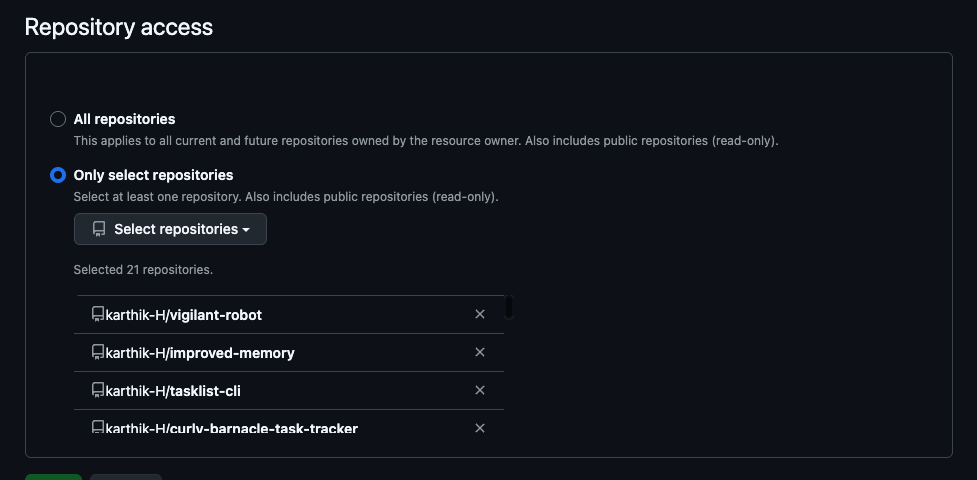
2. Save Your Selection
- Once you’ve selected the repository, click the Save button.
- CodeValid will now be linked to the repository and will start analyzing your code, generating tests, and tracking code quality.
Security
We take security seriously. Your code is never stored on our servers. We use a secure, read-only connection to analyze your code in-memory. For more details, contact us at contact us.